Switching & security
Moving in is on us. Your data stays yours.
Switching systems is the part every shul office dreads. Here is exactly how we move your data in, how you can take it out, and how we keep it private.
Free move-in
We bring your data over for you: members, balances, pledges, yahrzeits and seats. You check it before anything goes live.
Learn more about free move-inYours to take
Export everything, anytime: a CSV for every table, a statement PDF for every household, in one download.
Learn more about yours to takePrivate by design
Members see only their own household. Staff see only the areas you give them.
Learn more about private by design
Free move-in
We bring your data over for you.
There is no charge for moving in, and you do not need to clean anything up first. Send us what you have and we take it from there.
Send us what you have
Exports from your current system, or the spreadsheets you keep today. CSV and Excel both work.
We move it in
Households and members, Hebrew names, balances, charges, pledges, payments, yahrzeits and seats.
You check the numbers
A tie-out report compares every balance with your files, to the penny, and lists any difference by household and row.
Then you go live
Nothing is final until you say so. If an import is wrong, it is rolled back and done again.
Yours to take
Export everything, anytime.
Your data belongs to your shul. An administrator can download all of it whenever they like, with no request to us and no fee.
One download includes
- A CSV spreadsheet for every table
- A statement PDF for every household
- A complete data file (JSON) with everything
- Any single table on its own, whenever you need it
Every export is recorded in your shul's activity log, so you always know who downloaded what.
Private by design
Everyone sees only what they should.
Members
- A member sees only their own household: balance, giving, seats and messages
- The member directory lists only families who choose to be listed
- A member's Ezra sees only their household
- AI apps a member connects (Claude, ChatGPT, Gemini) are read-only and can be disconnected anytime
Staff
- Roles for owners, admins, bookkeepers, clergy and gabbaim
- View or edit access set area by area, per person
- Two-factor sign-in, required for the whole office if you choose
- Sign-in history and a record of changes to each household
Payments
Shul Pilot never holds your shul's money.
- Your own Stripe account. Online payments are made to your shul's own Stripe account and paid out to your shul's bank.
- Card and bank details stay with Stripe. Members enter them on Stripe's secure payment page; they are never stored in Shul Pilot.
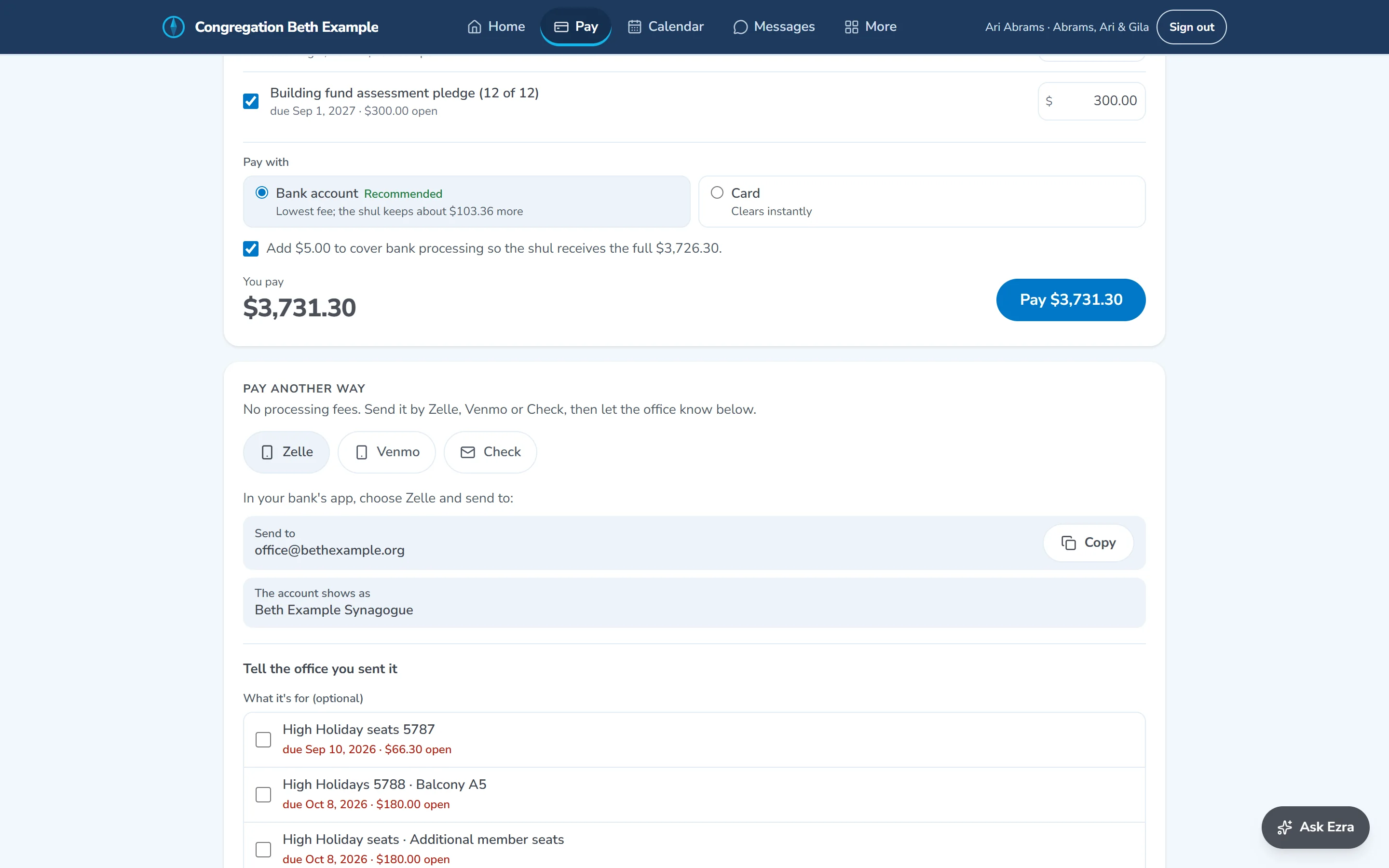
- Every way your members already pay. Card or bank account online, plus Zelle, Venmo, check and cash, which members report and the office confirms.
Ask us anything about moving in.
Bring your current exports or a sample spreadsheet to the demo, and we will show you how your data would look in Shul Pilot.